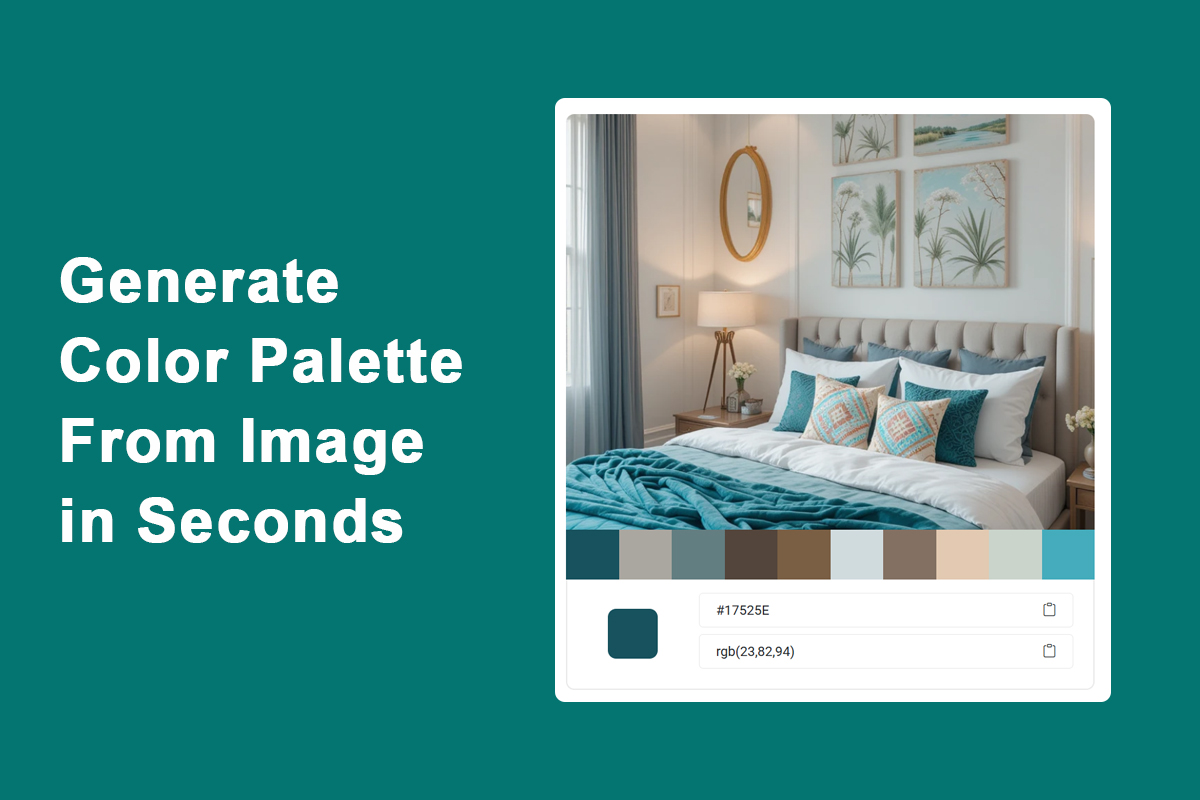
Do you want to extract a beautiful color palette from an image for your next design project?
What is an Image Color Palette Generator?
An image color palette generator is an online tool that analyzes the uploaded image and extracts the most prominent colors from it. These extracted colors can be used for web design, branding, social media, interior design, and more.
Why Use a Color Palette Generator?
- Inspiration for web or UI design
- Create a color theme that matches your logo or photo
- Speed up your creative workflow
- Extract branding colors
Step-by-Step: How to Use the Image Color Palette Generator Online
Step 1: Go to tool Image Color Palette Generator
Step 2: Drag & Drop your image file or Browse a files.
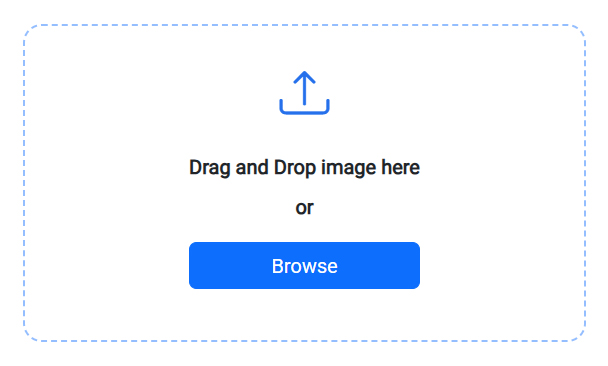
Step 3: Please wait while the image file is processed.
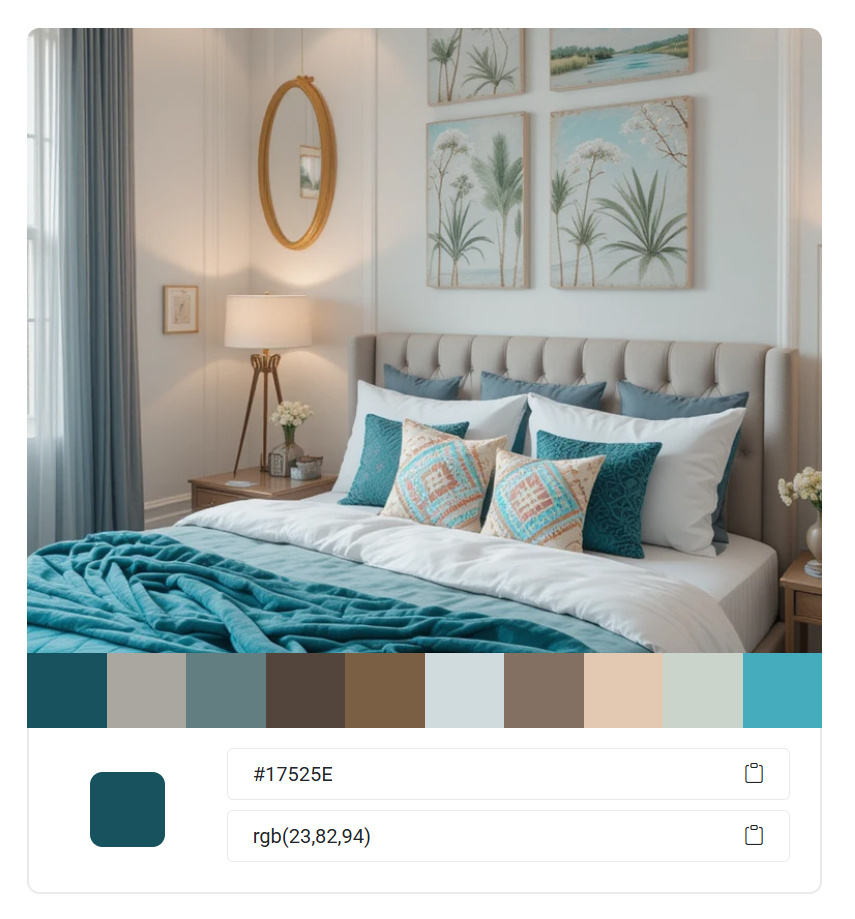
Step 4: Once the image file is processed, you will see an output like the image below, showing the dominant colors in your image.
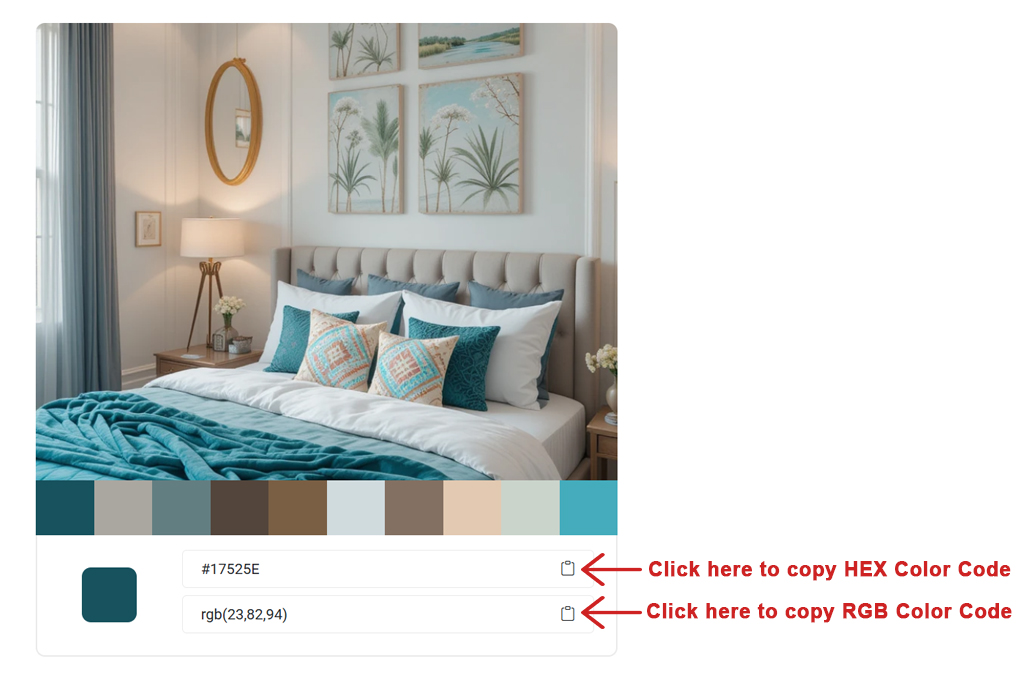
Step 5: Now you can copy the Hex color code and RGB color code by clicking on the whole color palette shown.
FAQ
What types of images can I generate to Color Palette?
This tool supports common formats like JPG, JPEG and PNG.
Can I convert multiple images at once?
No, you cannot convert multiple image files in this tool.
How do I Image Color Palette Generate Online?
We have provided a Step-by-Step: How to Use the Image Color Palette Generator Online section for that above.
Can I copy the color codes?
Yes, each color comes with a hex code, RGB color code, and a copy button for easy use in design projects.
Is this tool free?
Yes, TOT Tools provides Image Color Palette Generator completely free without login or signup and without any other limitations.
Is the image uploaded to a server?
No, all processing is done in your browser. Your images stay private and secure. We don't upload the images anywhere.