Image Color Palette Generator
Upload any image and instantly generate a beautiful color palette from image. This tool helps you extract colors from photo and turn them into usable design inspiration.
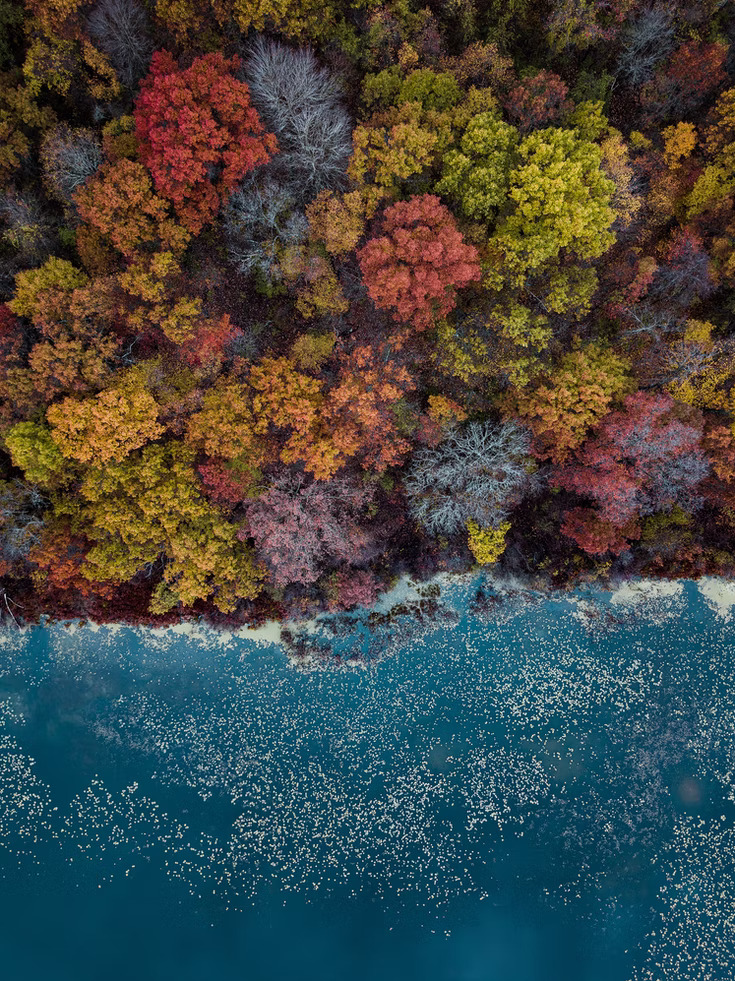
How to generate a color palette from image?
-
Upload or drag & drop your image to start color extraction.
-
Wait a moment while the system analyzes your photo.
-
You will instantly see an image to color palette conversion with multiple extracted colors.
-
Click on any color to view its HEX and RGB values.
-
Copy the color codes and use them in your design tools, CSS, or creative projects.
Features of Color Palette Generator
-
Generate color palette from image instantly with accurate color extraction.
-
Supports JPG, JPEG, and PNG image formats for color analysis upload photo free.
-
Works as a smart color generator to find matching tones automatically.
-
Get HEX and RGB values for every extracted color palette.
-
Perfect for UI/UX designers, developers, artists, and branding projects.
-
Completely free image color palette generator with unlimited usage.
-
Secure tool – your images are not stored or shared anywhere.
If you are facing any kind of issue with this tool, then contact us.