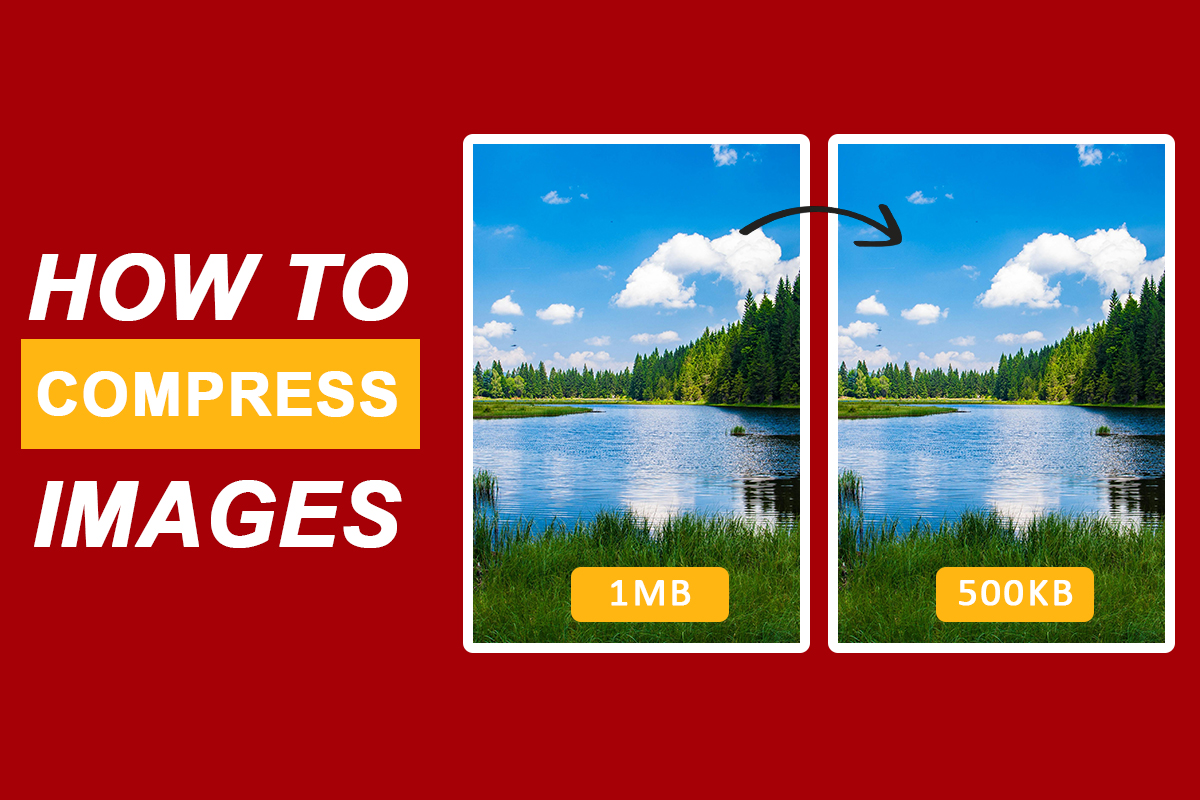
An easy way to speed up your site and save storage without losing quality is to compress images. You can do this online in just a few seconds - no software needed.
What is Image Compression?
Image compression is a process in which you can reduce the size of your image file without reducing the quality of any image. It helps in loading web pages faster and reduces storage usage.
Why Compress Images?
- Improve website speed
- Optimize for mobile devices
- Reduce storage costs
- Faster uploads and downloads
Step-by-Step: How to Compress Images Online
Step 1: Go to tool Image Compressor Online
Step 2: Drag & Drop your image file or Browse a files.
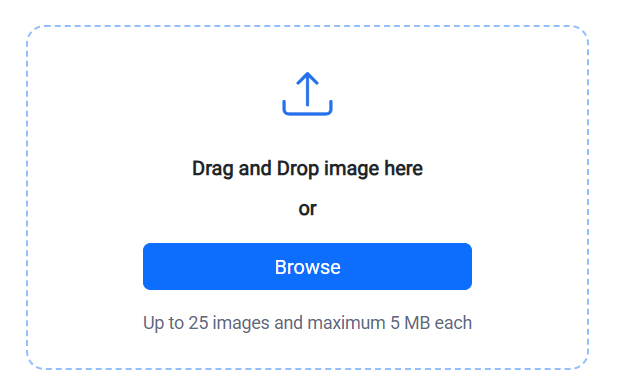
Step 3: Please wait while all files are compressed.
Step 4: Once all the files are compressed, you will see the output like the image shown below, which will show all your image files.
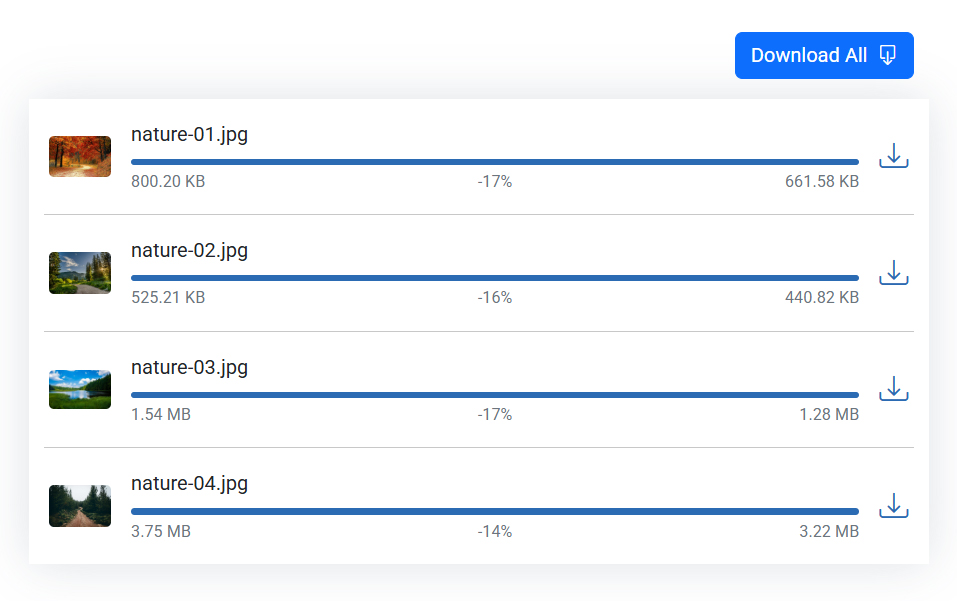
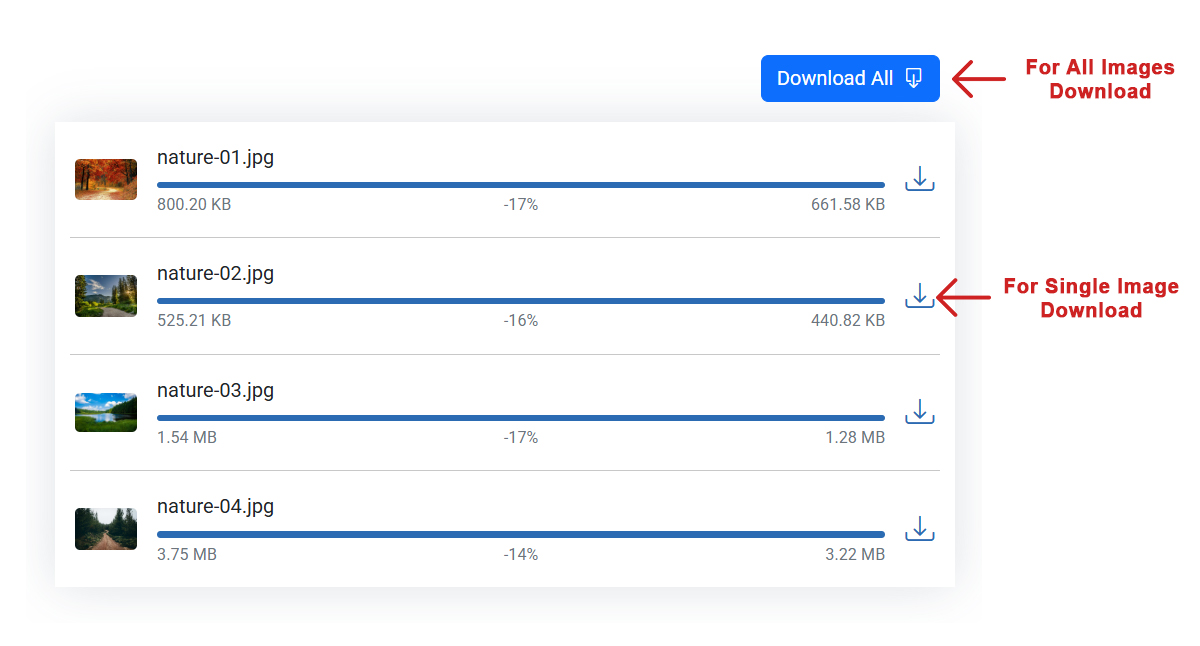
Step 5: If you want to download each file individually, you will see a download icon on the right side of all the images in the image list. You can download your compressed image by clicking on it.
Step 6: If you want to download all the image files together, then you can download all your compressed images together in a zip by clicking on the Download All button given on the top right side of the list.
FAQ
Why should I compress my images?
Compressed images help your website load faster, which is very beneficial for both user experience and SEO. These compressed images also do not require much storage.
Is there any quality loss after compression?
Not necessarily. Lossless compression keeps the original quality, while lossy compression slightly reduces quality to achieve much smaller file sizes.
How do I compress images online?
We have provided a Step-by-Step: How to Compress Images Online section for that above.
Are Online Compression Tools Safe?
Yes, this tool is absolutely safe because we do not save any type of your image file.
Can I compress several images at once?
Yes, you can compress up to 25 images at once.