
If you want to convert an image to Base64 format to embed it directly into HTML, CSS, or JSON, you can use this online tool.
What is Base64?
Base64 is a way to encode binary data (such as images) into plain text, so it doesn't require a separate image file and can be easily embedded into documents such as HTML or CSS.
Why Convert Images to Base64?
- Embed images directly in HTML/CSS without uploading separate files
- Helps the website load faster
- Works without server image uploads
- Reduce storage costs
Step-by-Step: How to Use the Image to Base64 Converter Online
Step 1: Go to tool Image to Base64 Online
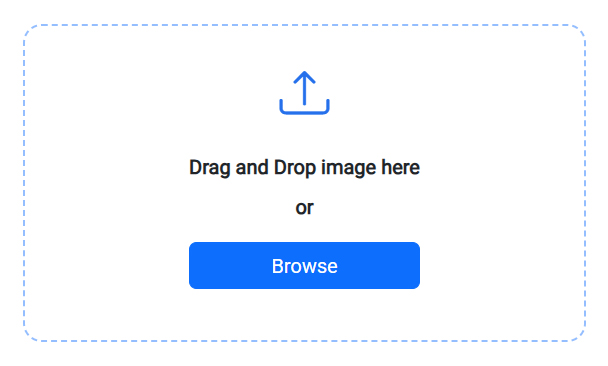
Step 2: Drag & Drop your image file or Browse a files.
Step 3: Please wait while the image file is processed.
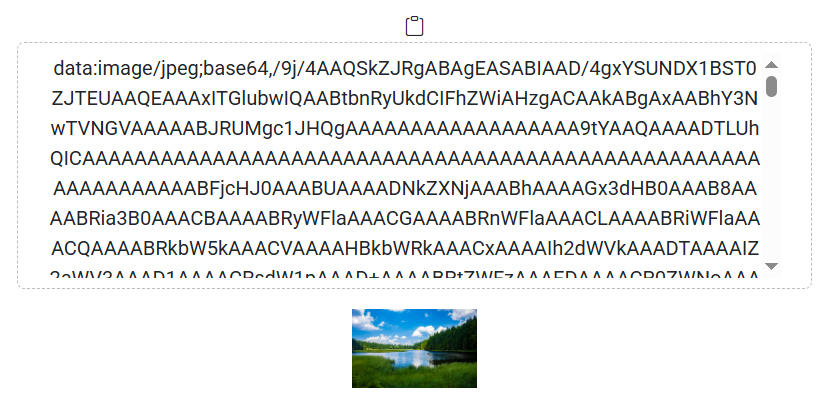
Step 4: Once the image file is processed, you will see an output like the image shown below, which will show the base64 text of your image file.
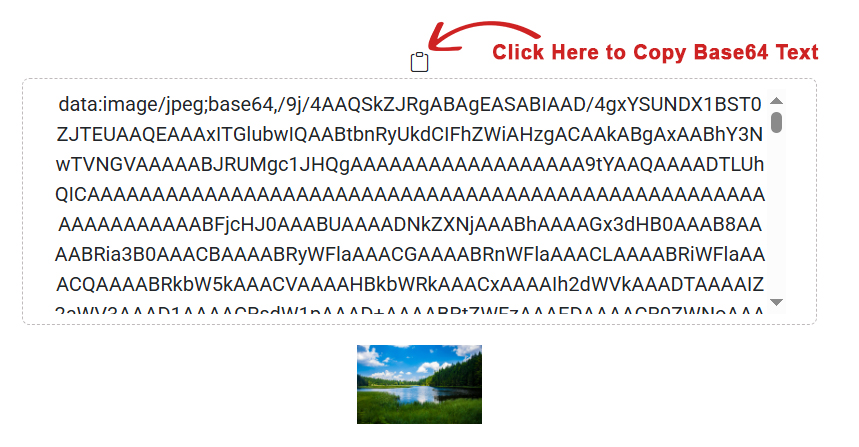
Step 5: Now you will see a copy icon above the base64 text, by clicking on which you can copy the base64 text.
FAQ
What types of images can I convert to Base64?
This tool supports common formats like JPG, JPEG and PNG.
Can I convert multiple images at once?
No, you cannot convert multiple image files in this tool.
Are Online Base64 Converter Tools Safe?
Yes, this tool is absolutely safe because we do not save any type of your image file.
How do I Image to Base64 Converter Online?
We have provided a Step-by-Step: How to Use the Image to Base64 Converter Online section for that above.
Where can I use Base64 images?
You can use them in HTML img tags, CSS background-image, emails, APIs, and more.